Mamare
Juli 2024





E-commerce UX and UI
Mamare is an e-commerce platform for pregnancy, birth and early parenthood. The webshop combines products, guidance and editorial content, so the experience does more than just sell. I worked on the UX and UI across the platform, focusing on flows that had to feel warm, clear and easy to use while still supporting conversion.
E-commerce
Design System
UX Design
UI Design
Brand Book
Project details
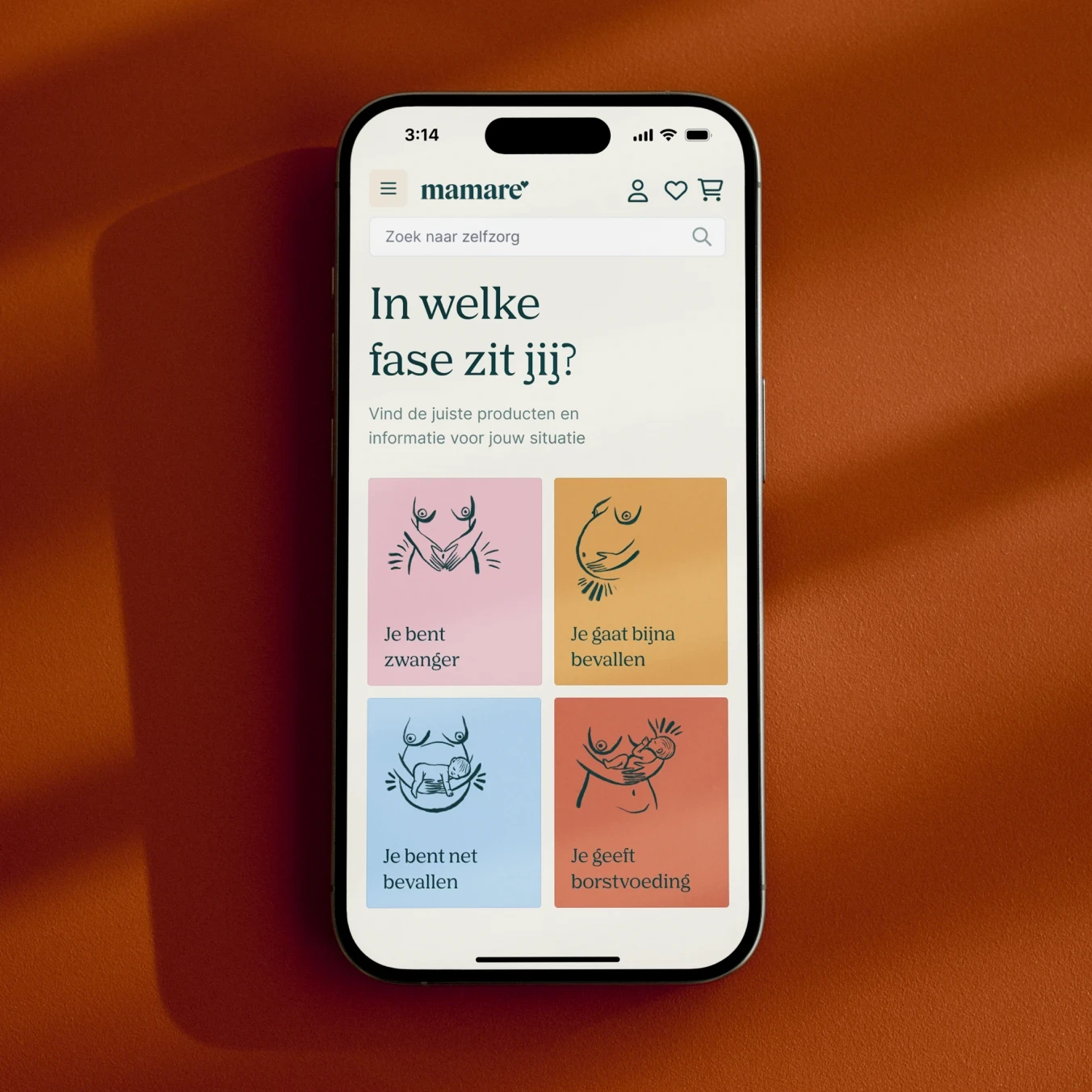
For Mamare, I worked on the UX and UI of the webshop while Haimanti Dekker built the platform. The goal was to create a shop that feels more supportive and informed than a standard e-commerce experience. Products were not only organised as a catalogue, but also connected to phases such as trying to conceive, pregnancy, birth and breastfeeding, with related articles, collections and guidance throughout the platform.
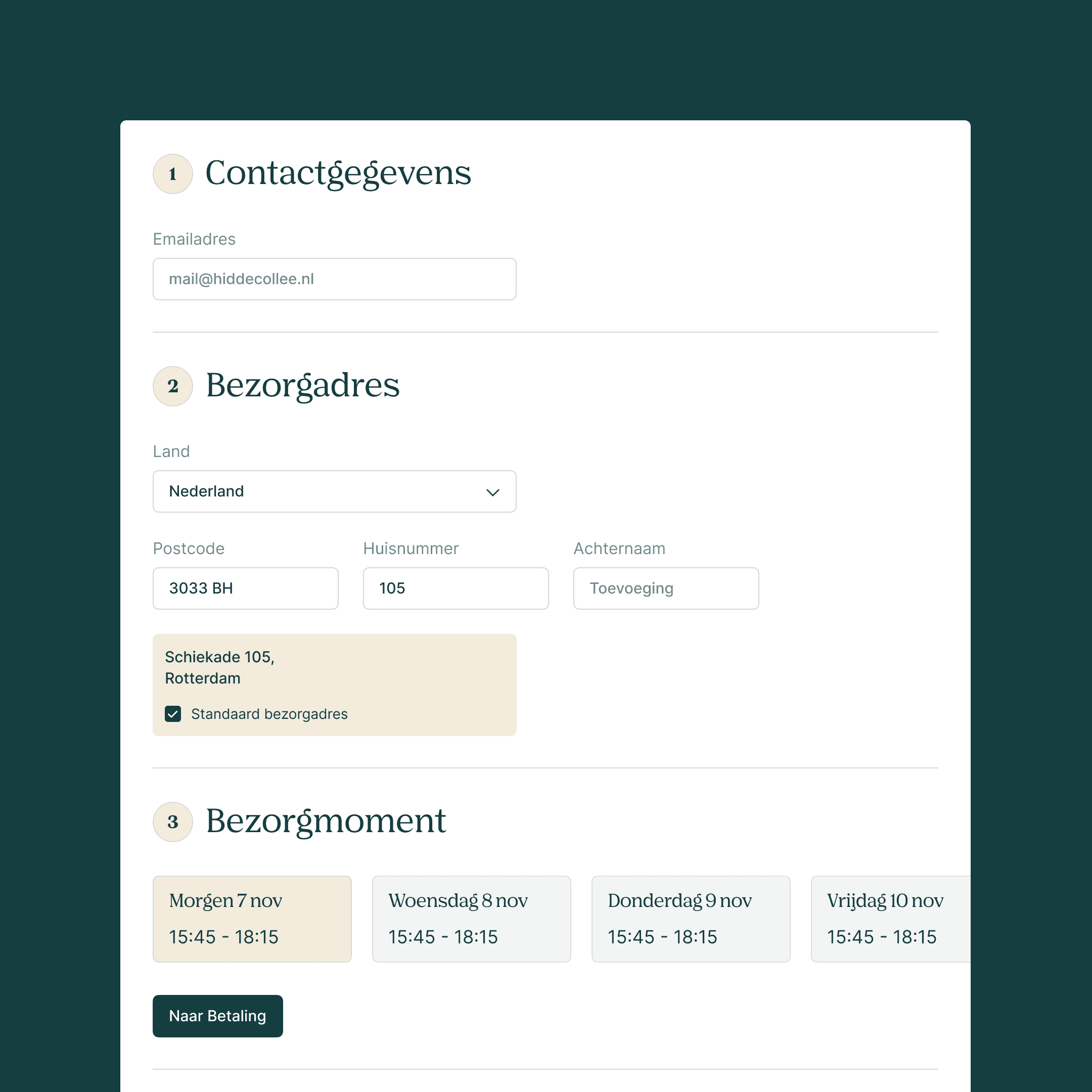
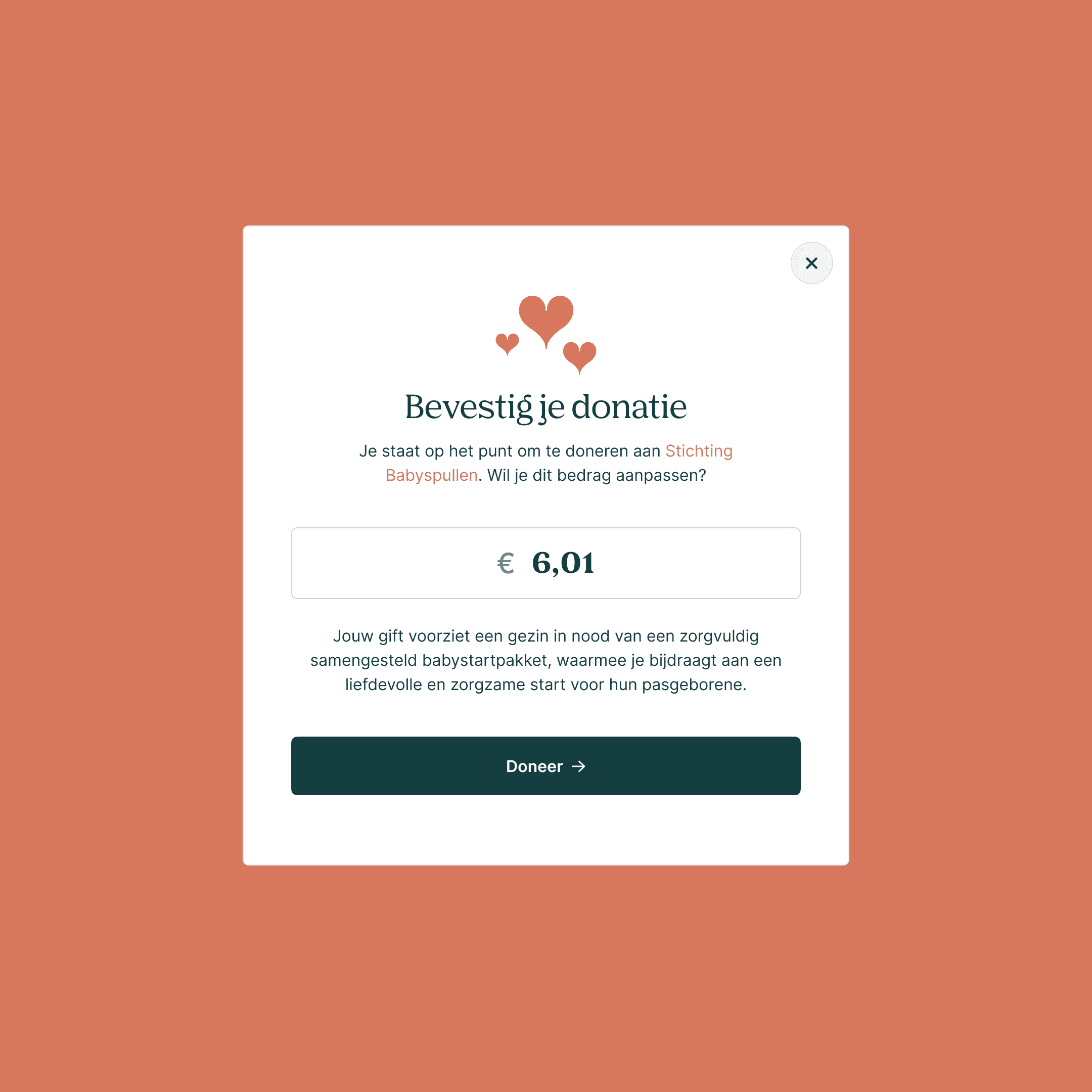
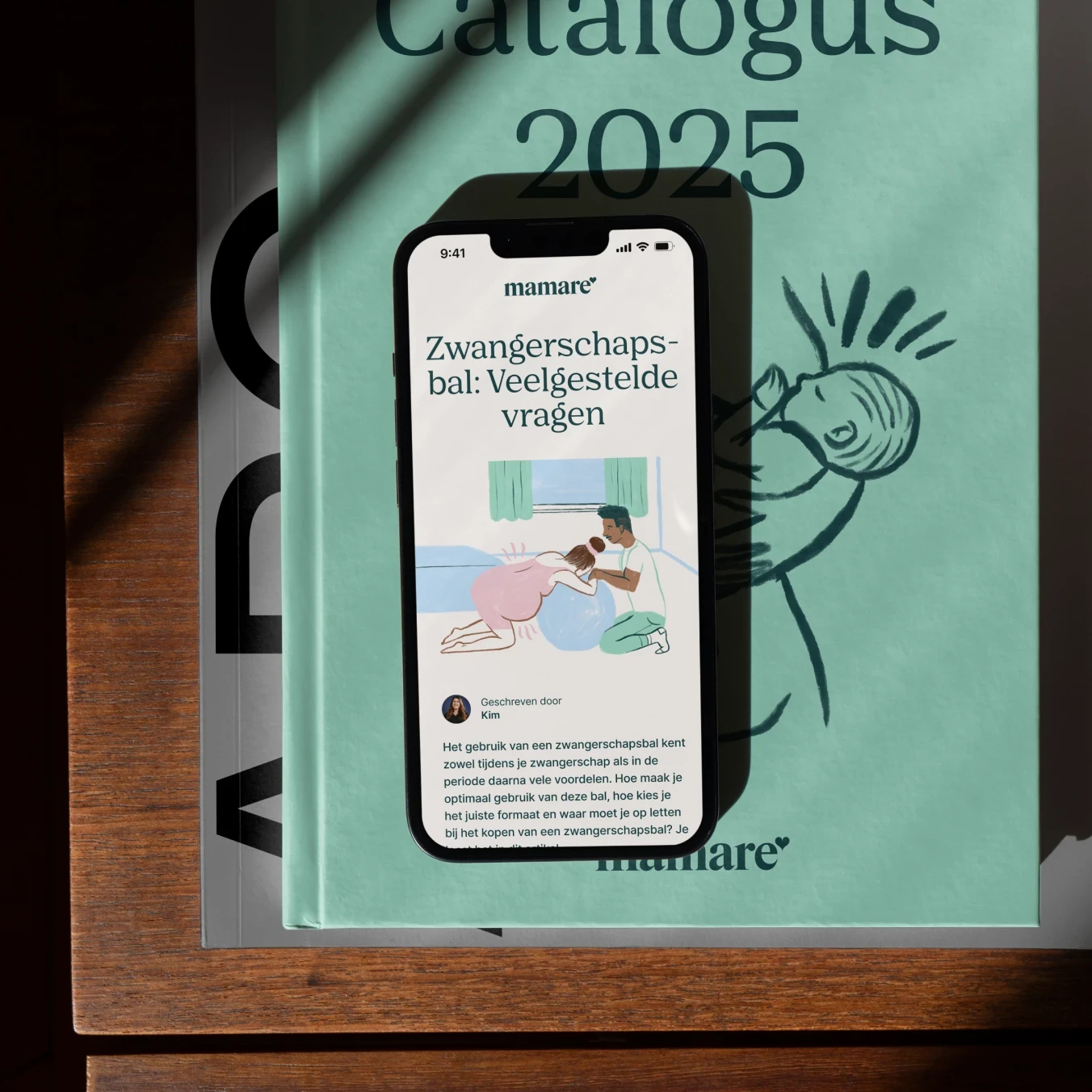
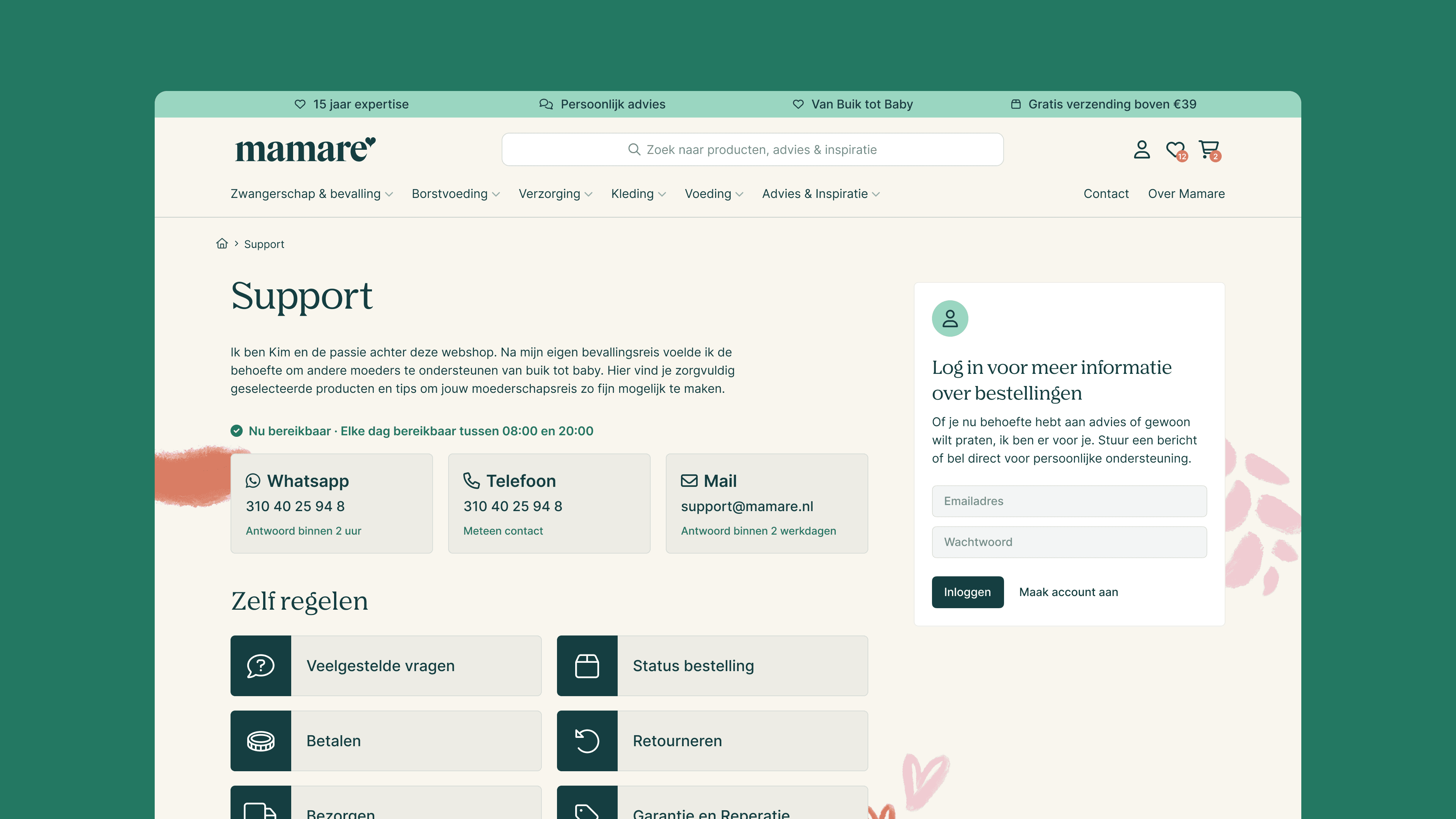
My work covered the main webshop experience across homepage, phase pages, collections, product pages, account, cart, checkout, support and navigation. That included best-alternative suggestions on product pages to support choice, article links that add context to products, a mega menu that helps people reach the right category faster, and custom cart and checkout flows. Together with the client and developer, I refined the experience over multiple handoff rounds so the platform would feel clear, usable and coherent across the shop.
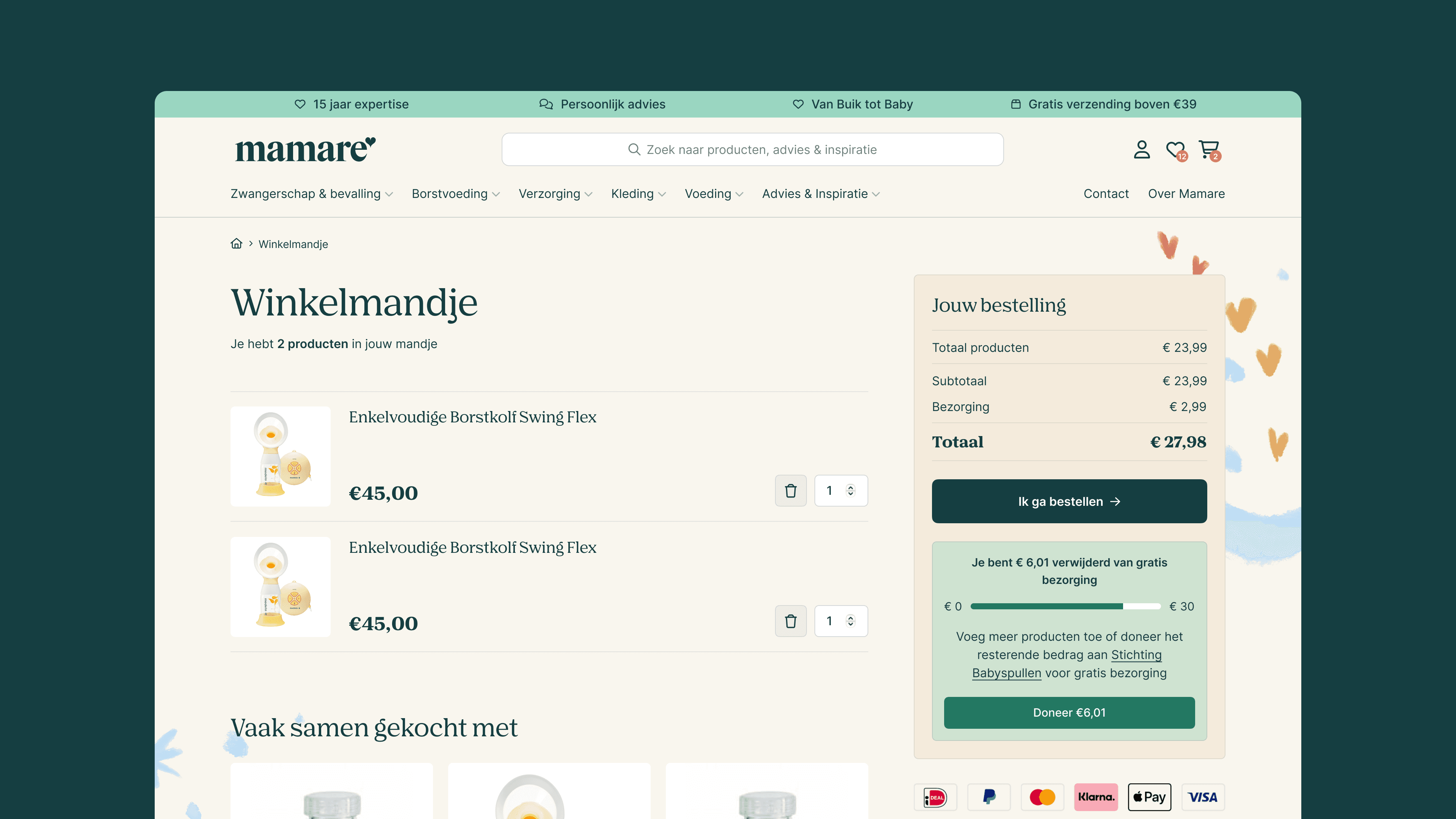
Mamare cart with guidance
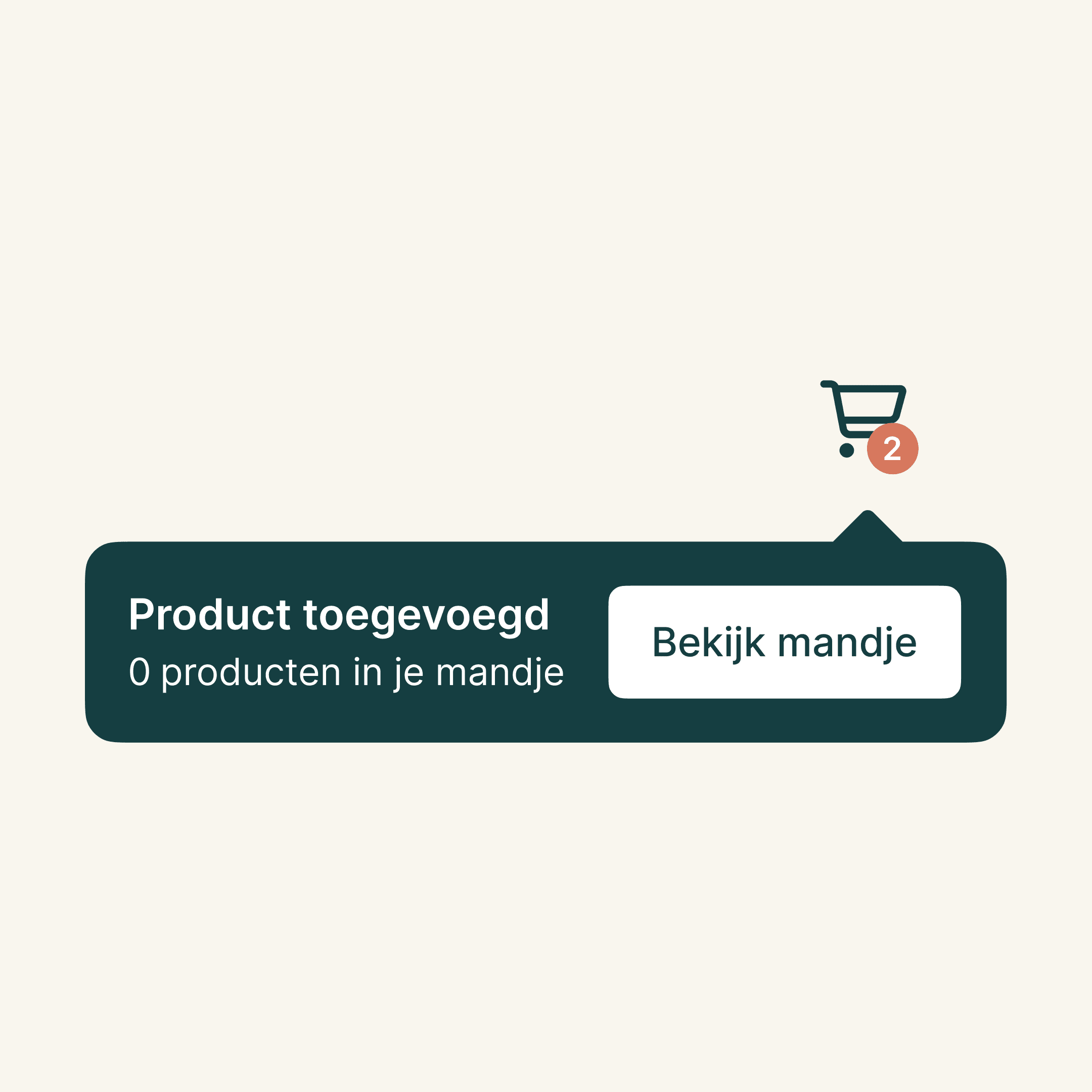
A cart layout that keeps the next step and key context in view.
UX approach
The main UX challenge was balancing warmth with clarity. Mamare needed to feel calm, supportive and in line with the brand, but it was still a webshop where people needed to find products, compare options and move through the flow without friction. The experience had to support both reassurance and conversion.
A second challenge was that the platform offered more than products alone. Articles, phase-based guidance and related recommendations all had to support the shopping experience without making it feel overloaded. My focus was on shaping flows, hierarchy and navigation so users could move between information and commerce in a way that still felt simple and logical.